Hold and speak
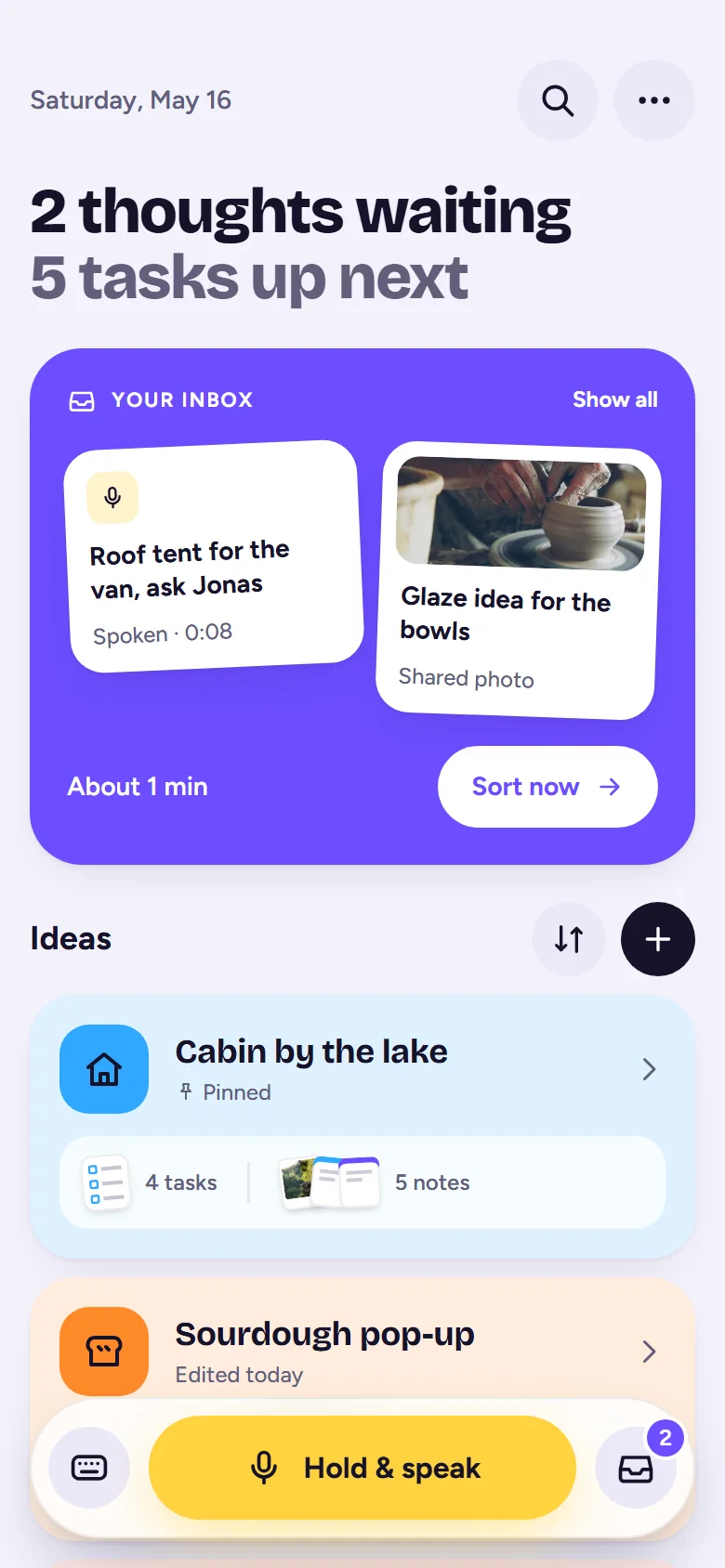
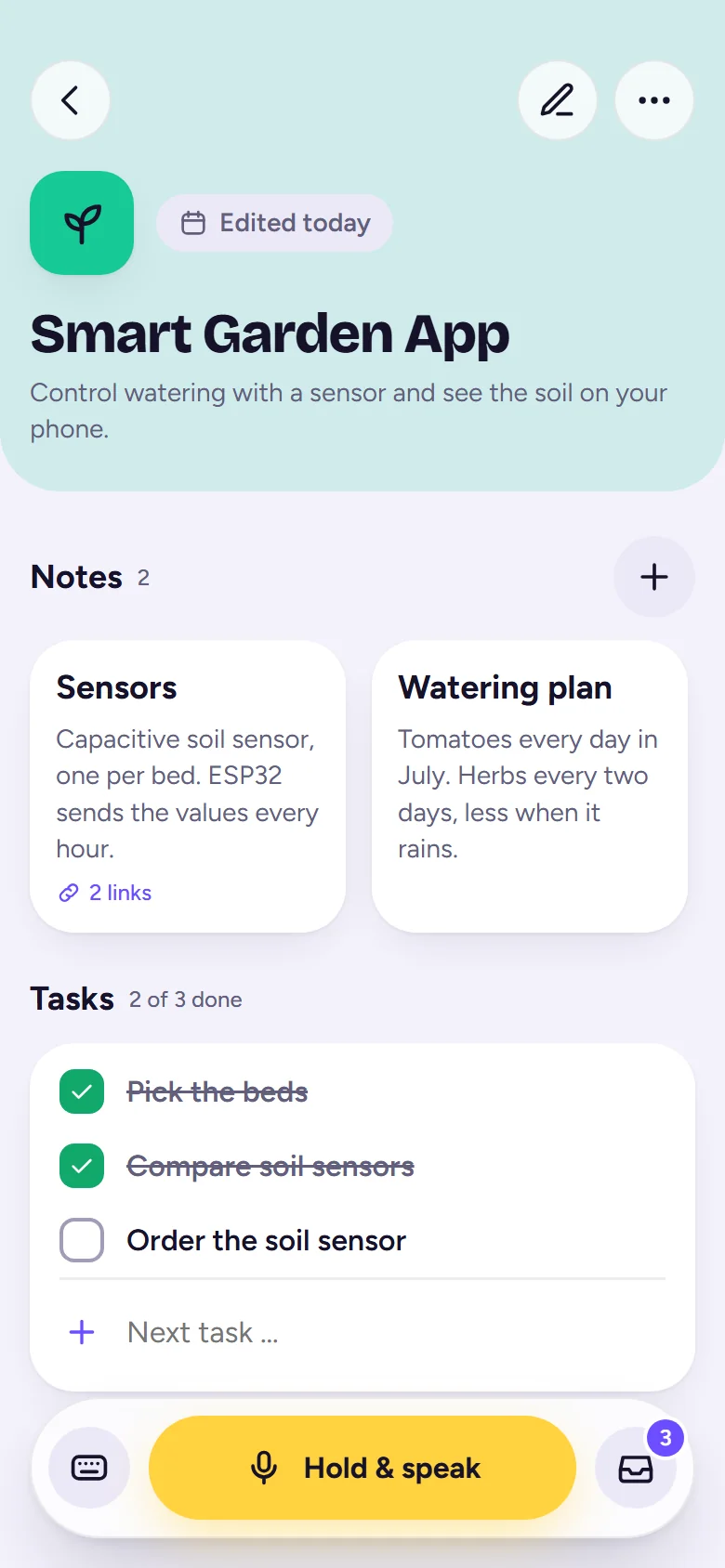
Press the yellow button and say what's on your mind. Slide up to lock and keep talking. Let go, and it's saved to your Inbox.
Speak or type a thought in seconds. IdeaHive keeps it safe in your Inbox until you're ready to turn it into something real. Private, no account, works offline.
Now on Android · iPhone coming soon
Good ideas show up at bad moments: on the bike, in the shower, halfway through a meeting. IdeaHive is built for exactly that second.
Press the yellow button and say what's on your mind. Slide up to lock and keep talking. Let go, and it's saved to your Inbox.

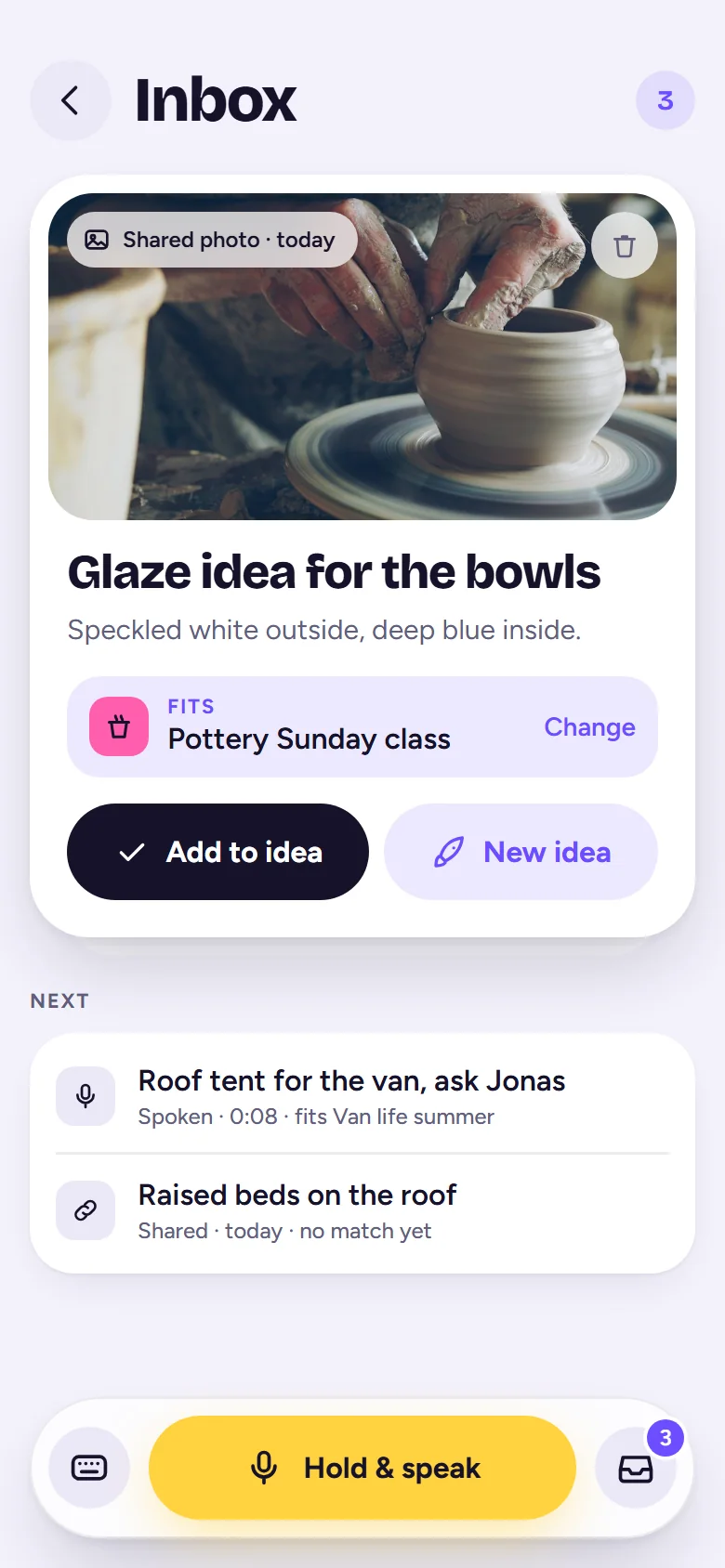
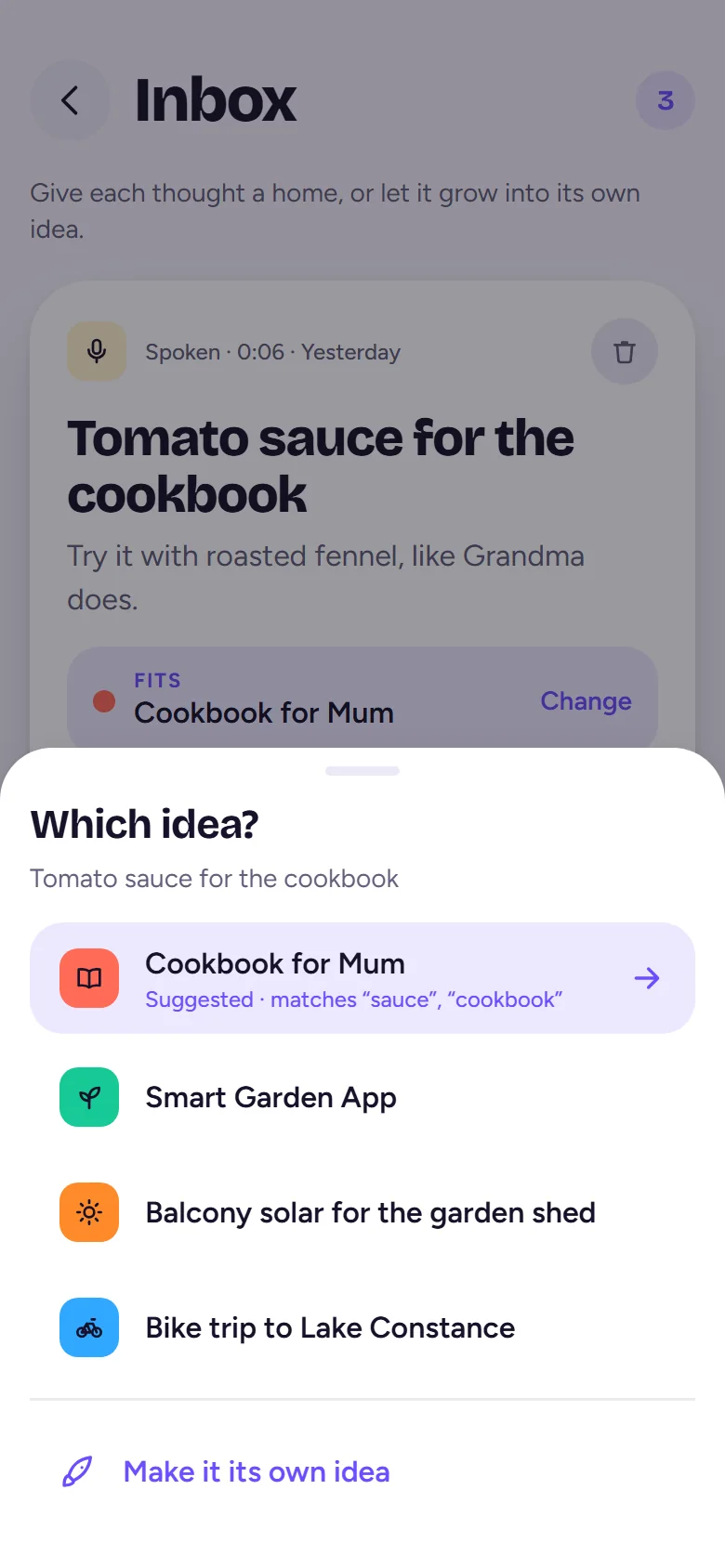
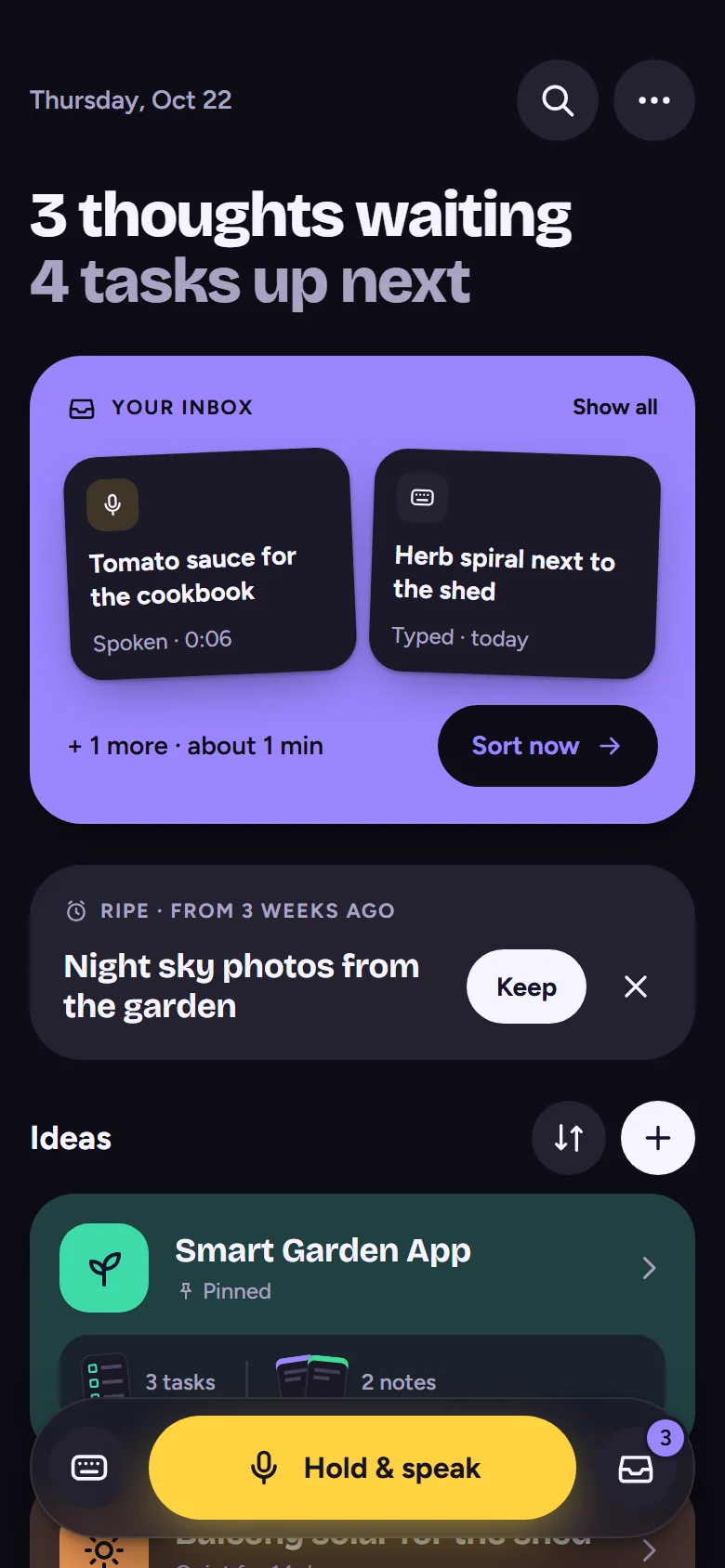
Your Inbox waits patiently. IdeaHive suggests which idea a thought belongs to, so filing it is a single tap.
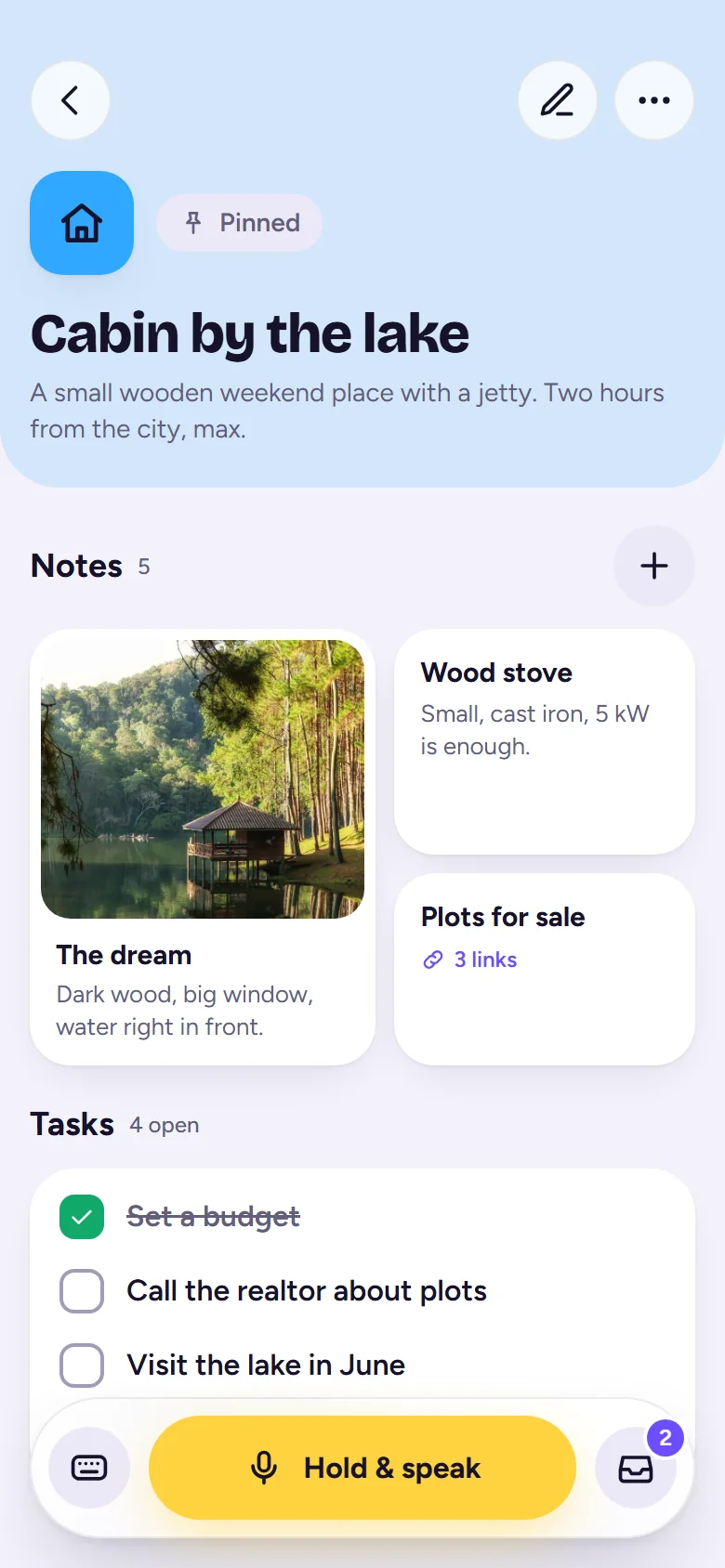
Each idea collects its notes, photos, links and tasks. Tick off the next step, and when it's done, celebrate it.
No streaks, no feed, no pressure. Thoughts can sit in your Inbox as long as they like. Old ideas come back on their own when they're ripe again.
Pick a feature to see it on the screen.
Half-finished ideas are personal. That's why IdeaHive doesn't need a server, an account or your email address.
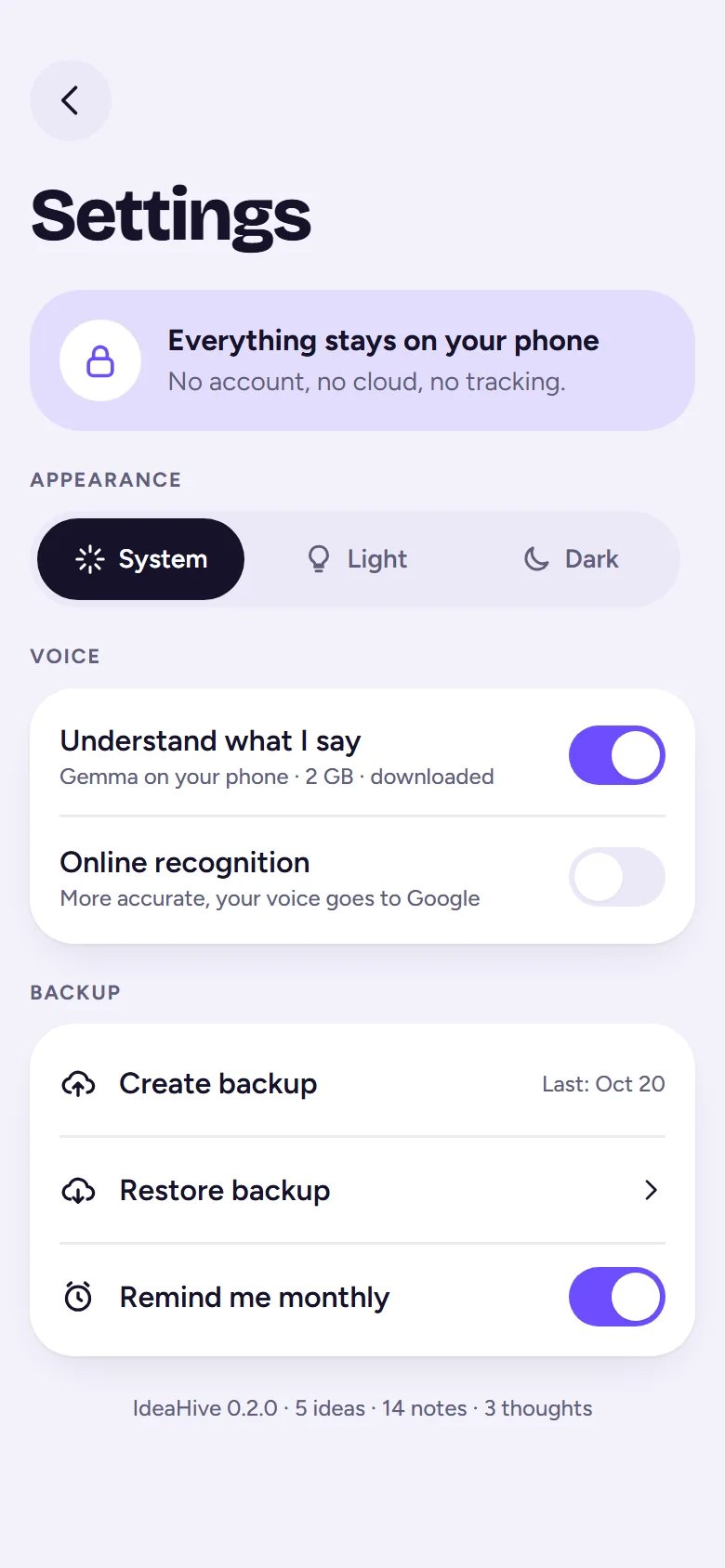
No. Install the app and start talking. There is nothing to sign up for.
Only on your phone. IdeaHive has no servers of its own, so your ideas, notes, photos and recordings never reach us. Details are in the privacy policy.
Yes. Typing, sorting, notes, search and backups all work without internet. Voice input works offline when your phone has an offline language pack for speech recognition. Internet is only used for link previews, the optional Gemma download and online speech recognition.
Create a backup in the settings. It packs everything into one file that you can save to your cloud drive or send to yourself. On the new phone, choose "Restore backup".
Not yet. IdeaHive is available for Android on Google Play right now. The iPhone version is coming soon.
Be ready when it shows up. Download IdeaHive and catch your first thought today.
No account · Works offline · Stays on your phone